386SX Edition · 1.0-alpha5 “Tombatossals” · a Tombatossals Softworks product
CASTALIA DOS
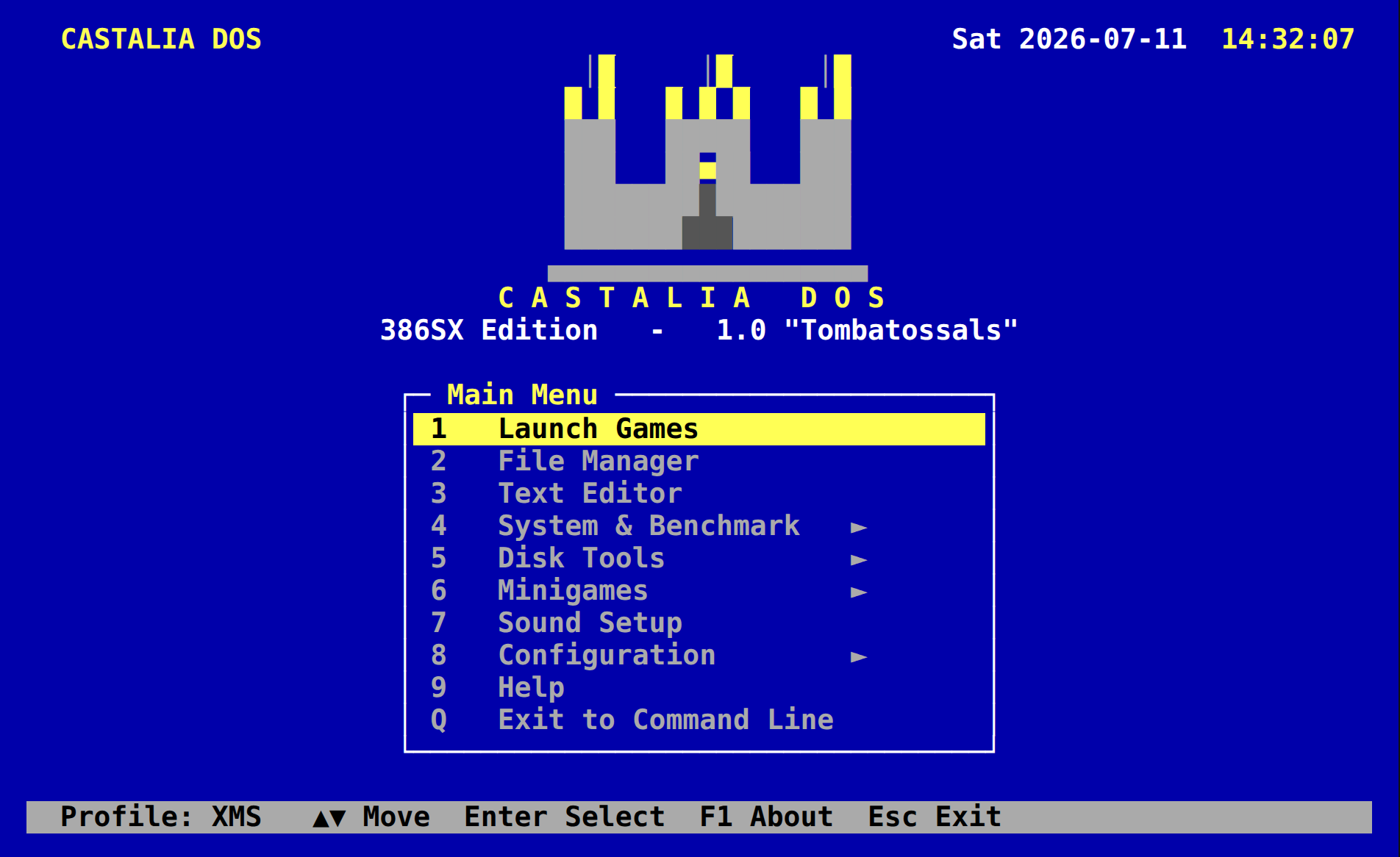
A serious, game-focused, FreeDOS-based operating environment for real 386-class hardware. It behaves like DOS, because DOS games expect DOS, while making everything around DOS better: a boot menu with eight memory profiles, a launcher that gets out of the way, an installer that backs up before it touches anything, and a rescue disk that stays useful after install.
- 1.44 MB boot and rescue floppy
- 8 boot profiles
- ~20 original 16-bit tools
- 16 colours, 80×25
What it is
A distribution, not a kernel project
Castalia DOS is an aggregation, not a fork. The FreeDOS kernel (build 2043) is rebuilt from source with a Castalia identity: an OEM id, a CASTALIA= boot-profile directive and a small identity API that tools can query for the live profile and uptime. FreeCOM provides the shell. Everything else, about twenty original real-mode programs written in C89 with Open Watcom, talks to DOS only through documented calls. Nothing Castalia is linked into the kernel or the shell.
The result boots from one diskette or a CompactFlash card, installs to a FAT16 disk, and presents MS-DOS 6.22-compatible behaviour to the games that expect it. Compatibility beats elegance: when a prettier design and a game that runs disagree, the game wins.
CASTALIA DOS 1.0-alpha5   select a profile

 1  Minimal      bare DOS, nothing loaded
 2  XMS          HIMEMX, the everyday default
 3  EMS          JEMM386 for EMS games
 4  CD-ROM       UIDE + SHSUCDX, D: visible
 5  Win3x        EMS + mouse for Windows 3.x
 6  Sound        Sound Blaster / AdLib setup
 7  Network      reserved
 8  Rescue       diagnostics and repair

 profile 2 in 10 seconds  · digits select · Enter boots
Only the chosen profile's drivers load. The same disk you installed from remains your emergency rescue disk.
Features and status
What ships, what is half-way, what is next
Marked against the repository's own evidence: continuous-integration runs in QEMU and DOSBox, the hardware sign-off checklist and the tool status table. A screenshot is not a proof.
shipped verified in CI partial built, limits stated planned no evidence yet
Boot, memory and install
- shippedBootable 1.44 MB rescue and install floppyCold boot to AUTOEXEC.BAT asserted on every CI run.
- shippedEight-entry boot menuHighlight, timeout and digit selection; every profile boots and is screenshotted in QEMU.
- shippedSETUP installer to a formatted FAT16 C:Backs up existing config; install and reboot verified in QEMU.
- shippedCastalia kernel identity APIOEM id, live profile and uptime; a stock FreeDOS kernel fails the same test.
- partialConventional memory targetsQEMU measures 622 KB free on the XMS profile; the number on a real 386SX is still unknown.
- partialEMS profilesJEMM386 finds no page frame under QEMU; unverified on metal or 86Box.
- plannedPartitioning and formatting from the installerThe prototype deliberately does not partition or format a disk. FDISK and FORMAT are on the disk for that.
Tools, games and sound
- shippedAbout twenty original tools compile as 16-bit executablesMain menu, HWINFO, MEMPROF, CFGEDIT, GAMECFG, CASTEDIT, CASTMARK, SAVER, CASTTOUR and more, checked on every build.
- partialGame launcher that unloads itself before the gameBuilt, with a seed game database. No test log of a real game launch yet, so no per-game verdicts are published.
- partialEight minigamesSnake, Puzzle, Almena, Minas, Siege, Reversi, Barrels and Solitaire: built and registered, not yet play-tested on record.
- partialPC speaker tones and CD-ROM dataTones measured from DOSBox captures; the D: drive works against QEMU's ATAPI model only.
- plannedSound Blaster IRQ and DMA on hardwareExactly what emulators smooth over. Waits for the 386SX bench.
- plannedCD audio, serial transfer (CASTLINK), UNDELUnproven on real drives, real cables and real media.
| CPU | 386SX and up: 386DX, 486, early Pentium |
|---|---|
| Minimum | 386SX, about 640 KB conventional RAM, VGA |
| Storage | 1.44 MB floppy for boot and rescue; IDE hard disk or CompactFlash |
| File systems | FAT12 and FAT16 |
| Display | VGA 80×25 text mode, 16 colours |
| Input | Keyboard; serial (COM) or PS/2 mouse |
| Audio | PC speaker, AdLib, Sound Blaster, Sound Blaster Pro, SB16 |
| Kernel | FreeDOS 2043, rebuilt; FreeCOM 0.85a |
| Toolchain | C89, real mode, large model, Open Watcom V2, NASM |
Identity
Sixteen colours, one signature
Amber on blue is the pairing; steel-grey panels carry the text. Red is rationed and nothing blinks. The keep on the splash screen and the version codenames (Almenara, Peñíscola, Morella, Tombatossals, Montornés) come from the stone fortresses of Valencia and Castellón.
- 0
- 1
- 2
- 3
- 4
- 5
- 6
- 7
- 8
- 9
- 10
- 11
- 12
- 13
- 14
- 15
Blue (1) is the ground, amber (14) is the accent, light grey (7) is steel.
Screens
From the boot banner to the credits roll
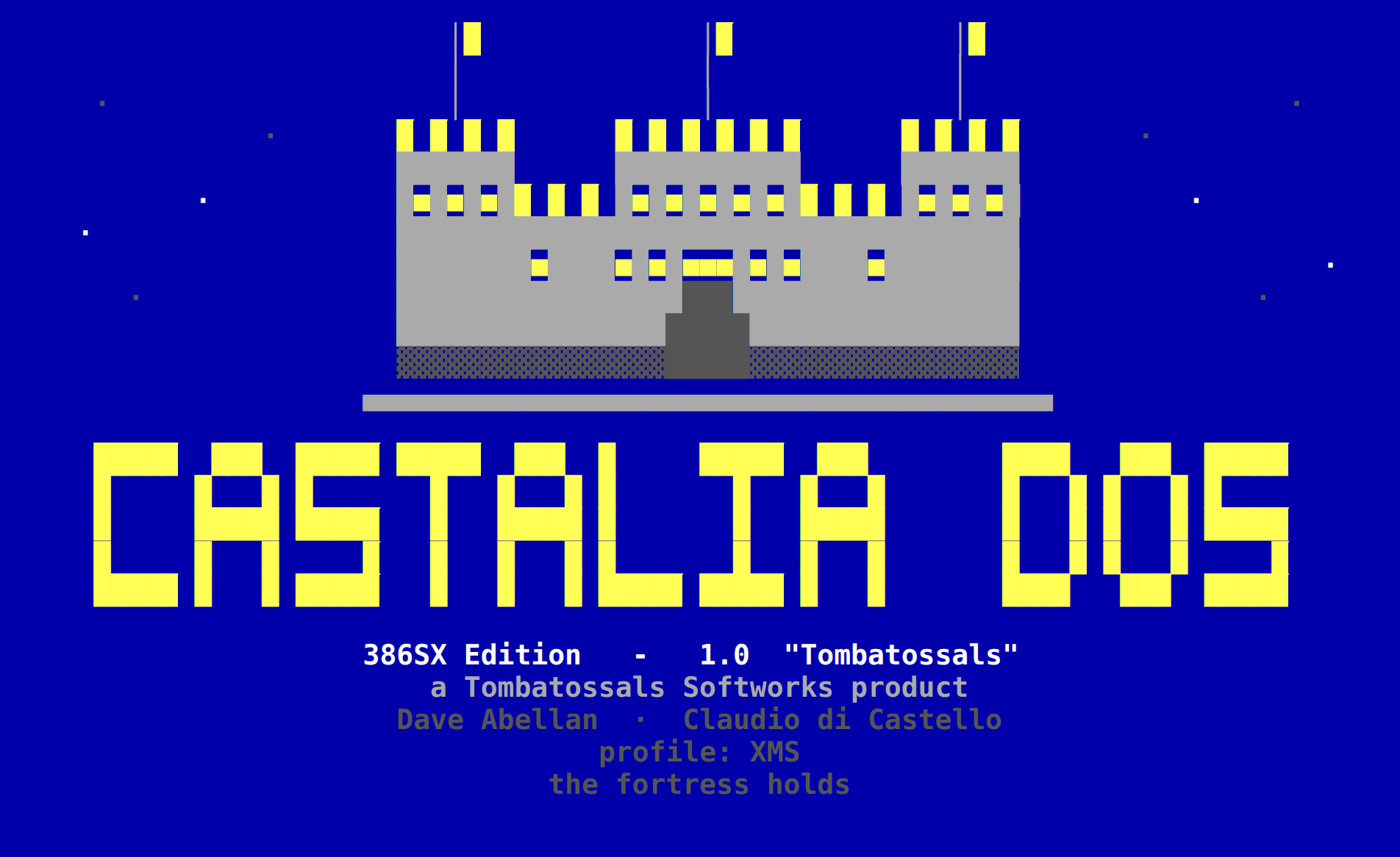
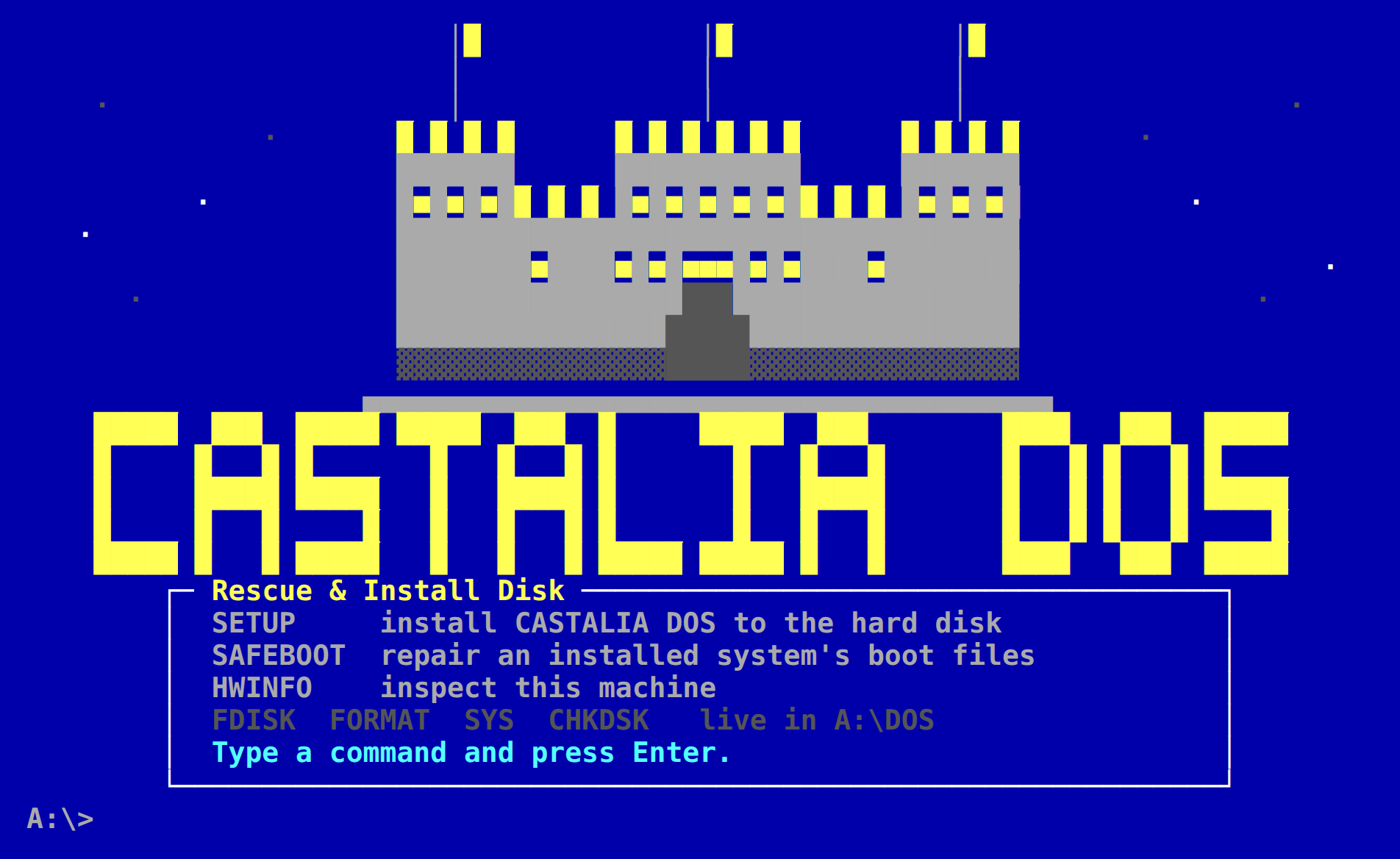
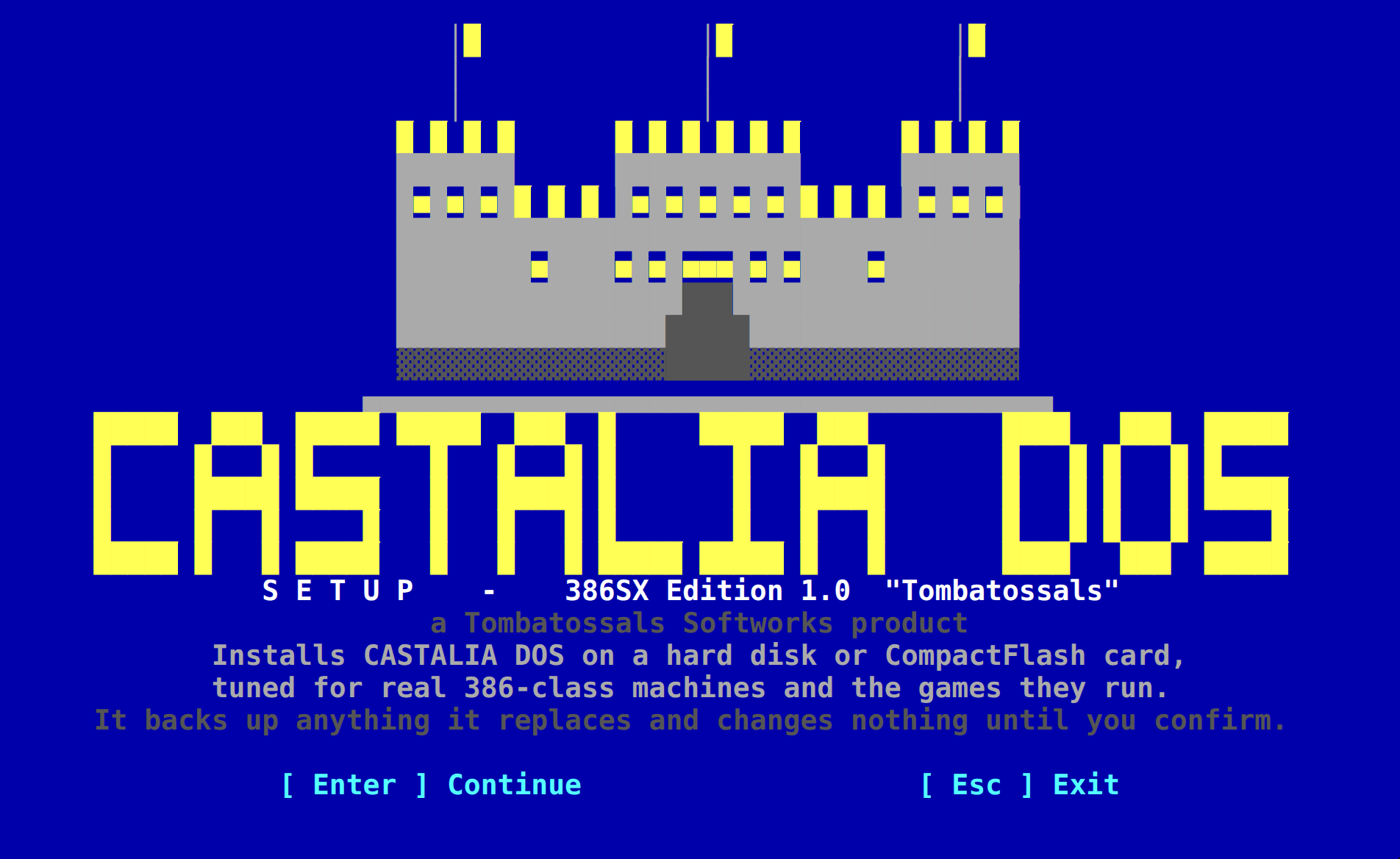
These images are faithful re-renders of the DOS source art, produced by the project's own tools, not photographs of a running machine. Click one to open the viewer; arrow keys move, Escape closes.
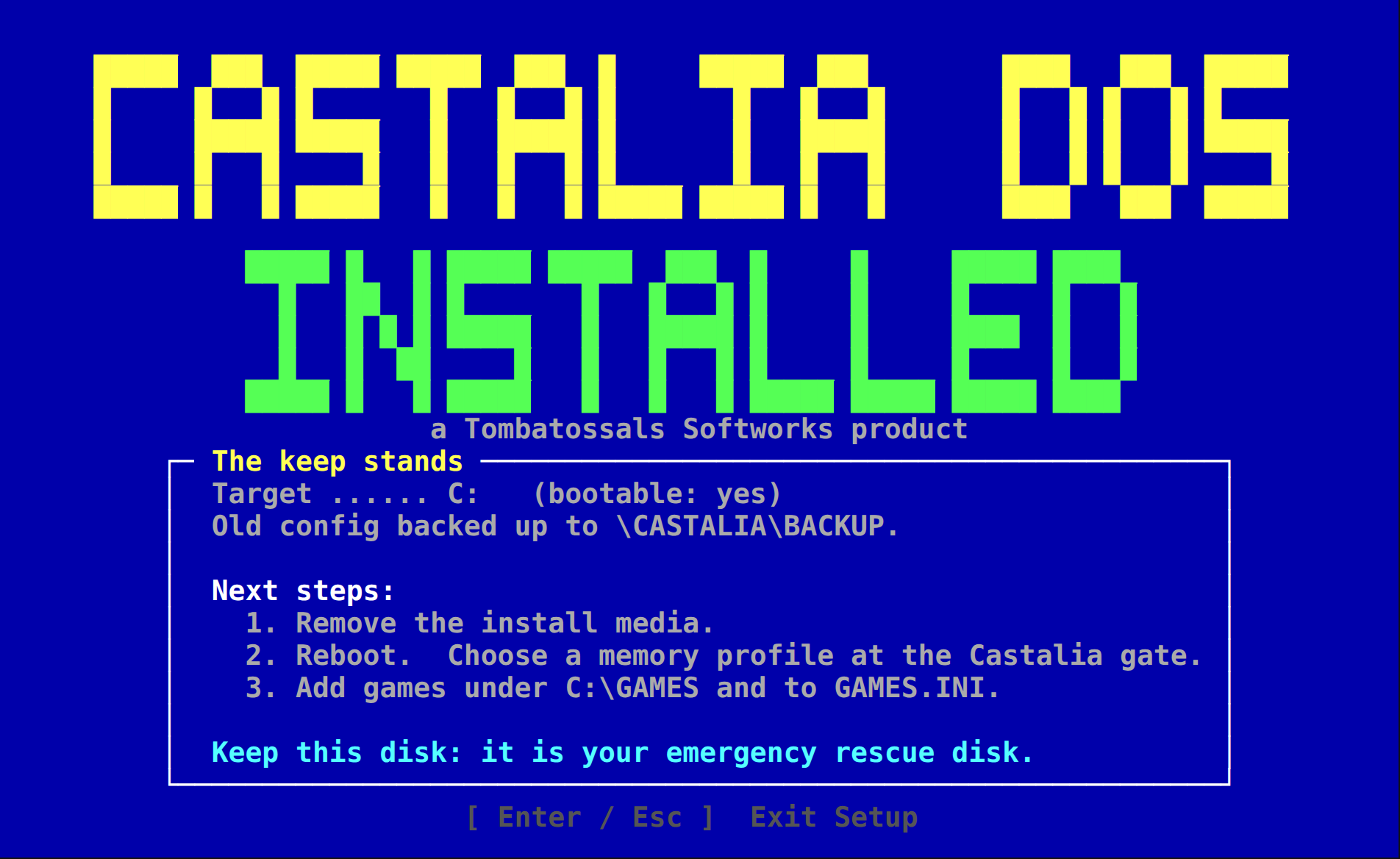
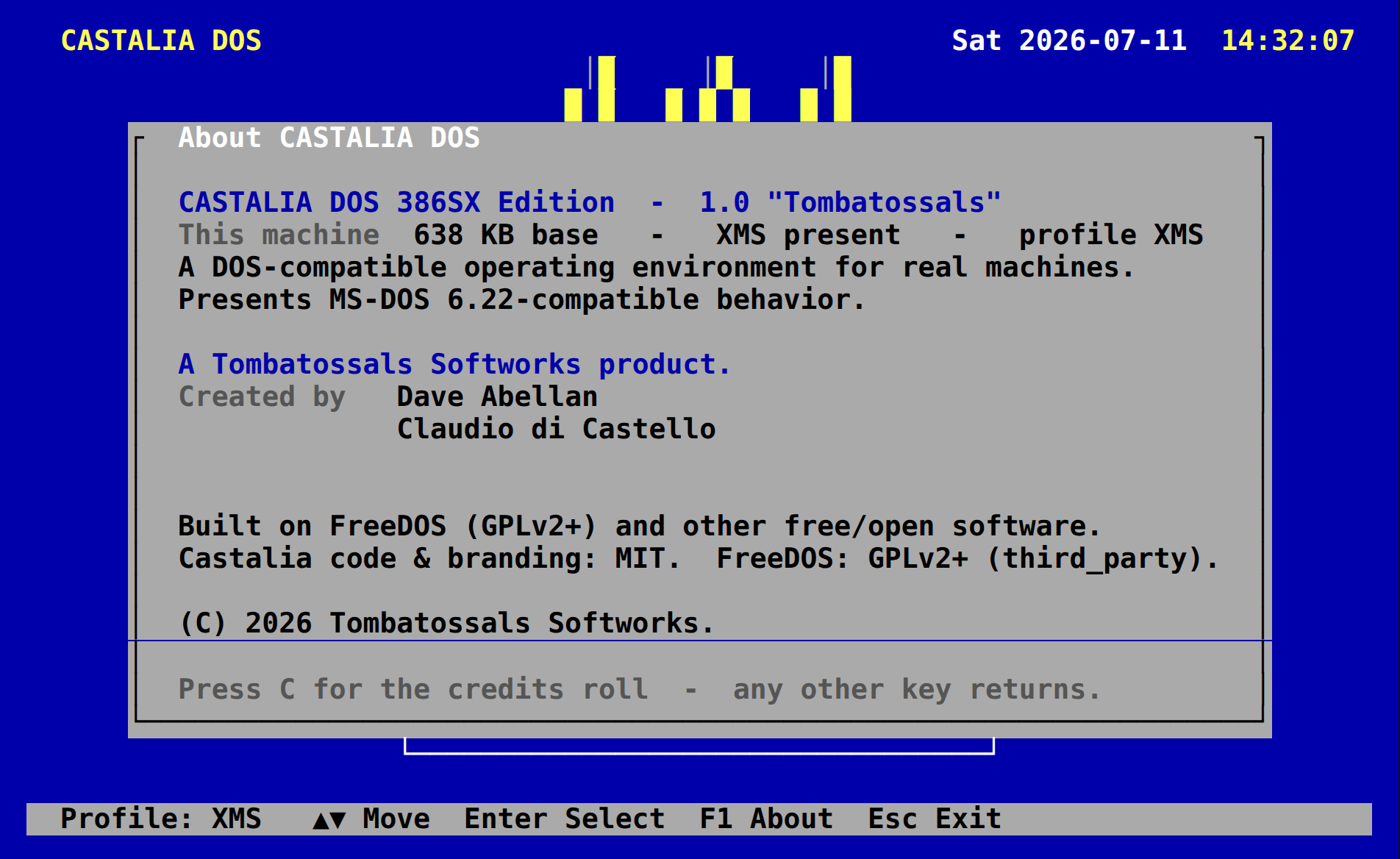
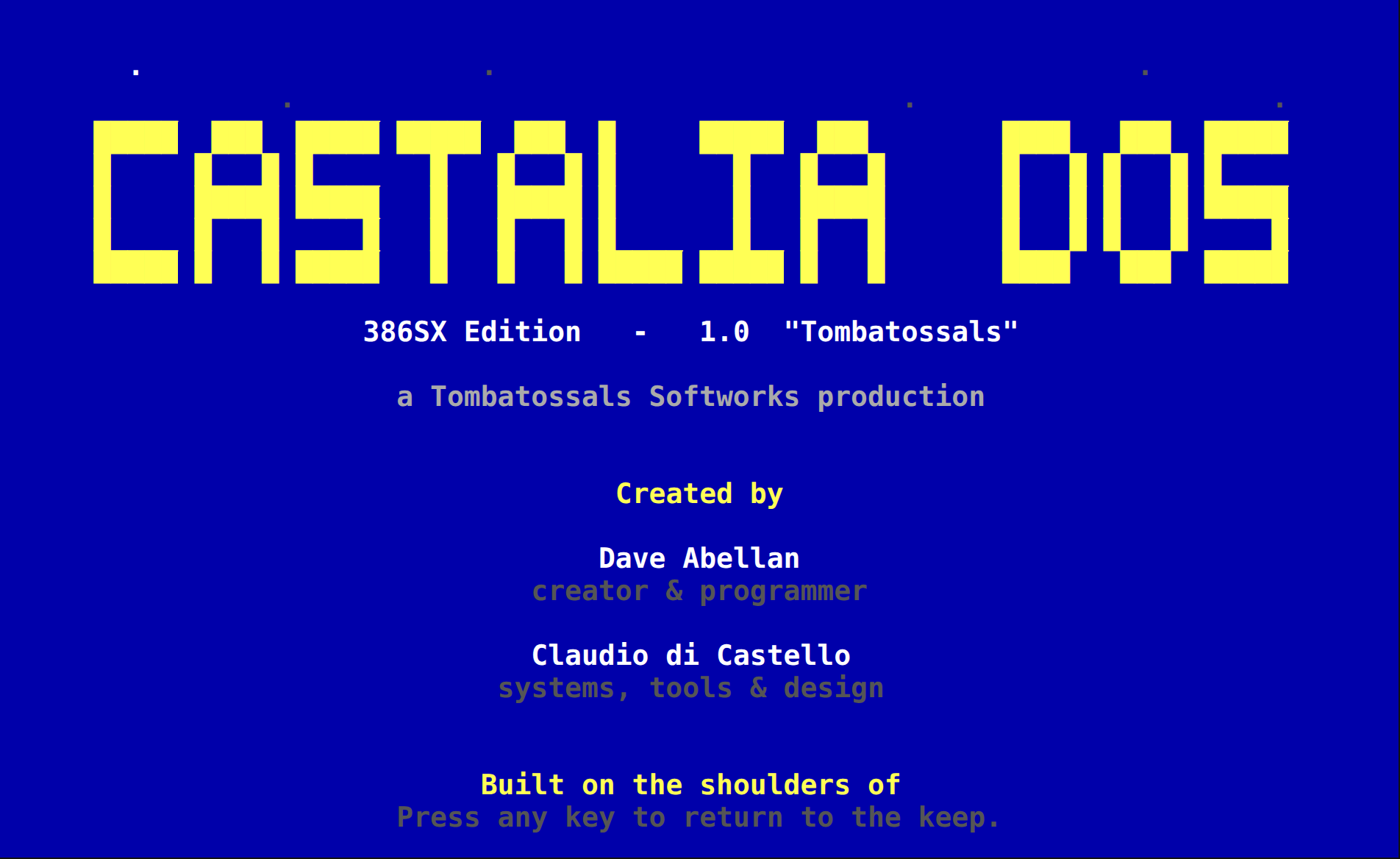
Download
1.0-alpha5 “Tombatossals”
A pre-release from 15 August 2026. This is not the final 1.0: validation on the reference 386SX is still in progress. Ship the zip rather than the bare image if you pass it on, because it carries the kernel sources that the GPL asks for.
Checksums are the digests GitHub computes for the release assets; the release does not ship a separate .sha256 file yet. Release page: v1.0-alpha5 on GitHub.
- Write the raw image to a 1.44 MB diskette with
dd, RawWrite or Rufus in DD mode. Do not extract it or copy it onto a formatted diskette as a file. - Boot from A:. The rescue disk offers
SETUP,SAFEBOOTandHWINFO, plus FDISK, FORMAT, SYS and CHKDSK. - If C: is not yet formatted:
FDISK, thenFORMAT C: /S. Then runSETUP. It backs up what it replaces and changes nothing until you confirm. - Remove the diskette and reboot into the blue eight-profile menu. Profile 2 is the default after a ten-second countdown.
- Keep the diskette. It is your emergency rescue disk.
Pre-release software
Castalia DOS is provided without warranty. Installation may partition and format storage devices and write directly to boot sectors. Try it in DOSBox-X, 86Box or QEMU first if that worries you; configurations for the first two ship in the repository.
Roadmap
Milestones, not calendar dates
Every codename is a fortress town. The gate between alpha and 1.0 is a real 386SX on a bench: memory numbers, the EMS page frame, CD-ROM and CD audio, Sound Blaster, the speaker, the mouse and the serial cable.
It boots
A rebuilt kernel, a shell and a floppy that starts.
Profiles, menu, launcher
Eight memory profiles, the main menu, sound, CD-ROM and mouse drivers.
Installer and game database
SETUP with backups; GAMES.INI as the seed of the compatibility list.
Public alpha and hardware validation
alpha5 is out. The reference 386SX run is the remaining item.
The stable release
Signed checksums, release notes, known issues, a manual.
File manager and refinements
Then 486 and early-Pentium editions and a deeper game database. Research into an original kernel stays optional and never blocks a shippable product.
Castalia code is MIT licensed. Documentation and the press kit are CC BY 4.0; the game database is CC0; the artwork belongs to the project. The FreeDOS kernel and FreeCOM are GPLv2 or later and ship with their source. HIMEMX, JEMM386, CTMOUSE (GPL), SHSUCDX, UIDE, Info-ZIP and CWSDPMI keep their own licences, listed in the bundle.
Castalia DOS contains no Microsoft code, text, fonts or branding. Any “MS-DOS-compatible” wording is a plain, factual description of behaviour, never a claim of origin or a use of Microsoft's marks. It is not MS-DOS and is not affiliated with Microsoft or IBM. It is not an official FreeDOS product and does not imply the FreeDOS Project's endorsement.
Created by Dave Abellan (creator and programmer) and Claudio di Castello (systems, tools and design). Built on the shoulders of the FreeDOS Project, the Open Watcom contributors and the authors of the drivers above. Press contact: [email protected].