Powerful Edition · v0.1.0-preview1 · an original retro desktop OS
The 1999 desktop, rebuilt by hand.
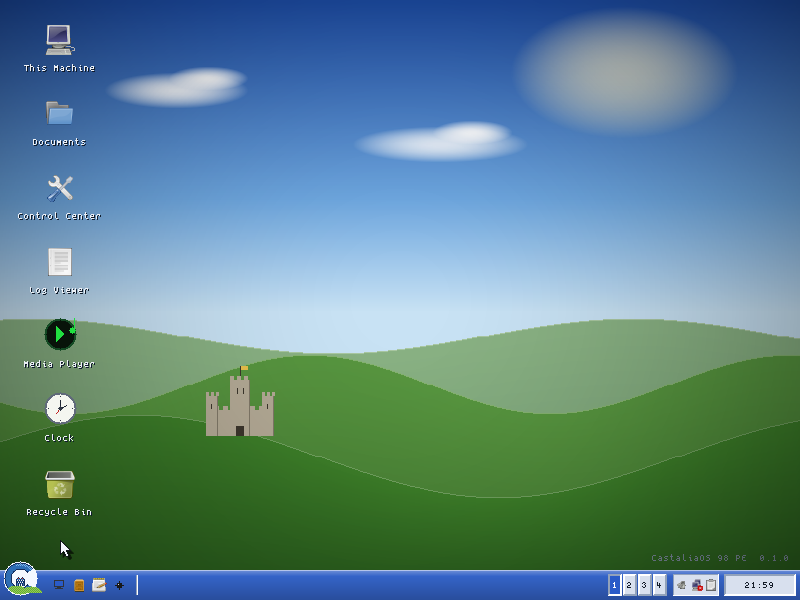
CastaliaOS 98 PE is a late-nineties professional desktop written from the platform layer up in portable C: a real window manager, an Explorer-style file manager with a task pane, a word processor, a spreadsheet, a paint program, a media player and Solitaire. It boots over FreeDOS in protected mode, takes the VESA framebuffer and fits in a few megabytes. Every pixel, every window, no Microsoft code.
- 3.7 MB idle, 4 MB ceiling enforced in CI
- 7,609 unit checks
- 4 virtual desktops
- 800×600 at 16 bpp
What it is
Inspired by an era, not copied from a product
CastaliaOS began as a simple question: could you build that feeling from scratch, legally clean, small enough to run on a 386? It turned into a full system. Where most retro desktops are themes layered on a modern operating system, this is the real thing: a 32-bit DOS protected-mode application that starts over FreeDOS through the DOS/4GW extender, takes over the graphical session through VESA, and renders everything itself into one 32-bit back buffer in RAM.
One strict rule shaped it: nothing above the platform layer may touch the hardware. Two backends implement that seam. A headless host backend renders to memory and is what continuous integration, the sanitisers and every screenshot use. The DOS backend drives VESA, the mouse and keyboard interrupts and DPMI. Everything above the seam is portable C89, which is why the system can be tested on a modern machine and still ship to DOS.

| Boot path | BIOS → FreeDOS → DOS/4GW → DPMI → VESA desktop |
|---|---|
| Reference target | Pentium II with an Intel 440BX chipset, a VESA (VBE) BIOS, IDE disk, PS/2 keyboard and mouse |
| Video | 800×600×16, falling back to 640×480×16 and 640×480×8; 16- and 256-colour pipelines |
| Rendering | Software compositor into one XRGB buffer; dirty rectangles converted to RGB565 or 3-3-2 on present |
| Language | Strict C89; Open Watcom for DOS, gcc or clang for the host build |
| Dependencies | None at runtime. DOS/4GW is bundled; FreeDOS is yours |
| Verification | 7,609 unit checks in 59 files, 74 demo scenes, valgrind, ASan, UBSan, strict-C89 lint, a DOS build and a QEMU boot per push |
Features and status
Proven on the host, booted in QEMU, waiting for iron
Everything marked shipped runs under the host build's test suite. The subset noted as booted also ran on DOS inside QEMU, driven by keyboard alone. Nothing has run on real hardware yet, and the project says so in its own testing guide: “it should work” is not “it works”.
shipped tested on the host build partial exists with a stated limit planned not started or unproven
Desktop and applications
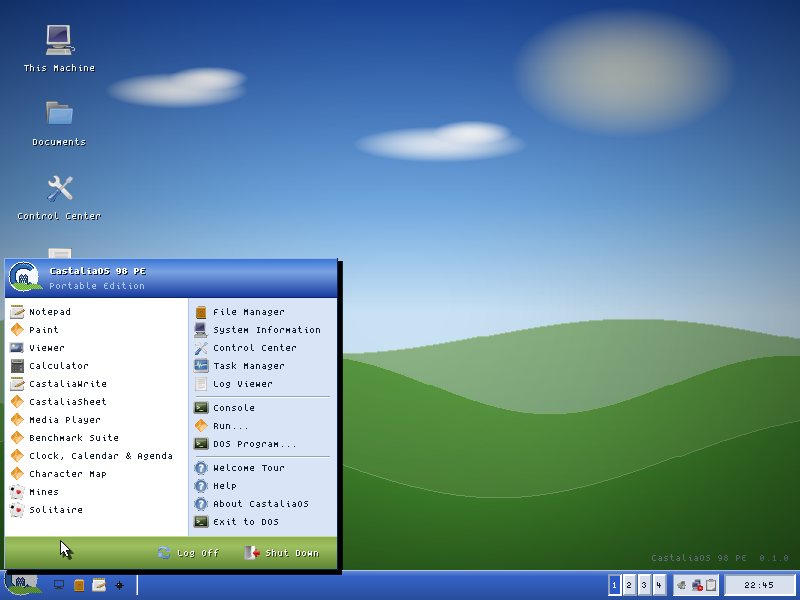
- shippedShellTwo-column Start panel, taskbar with Quick Launch and tray, four virtual desktops, window snapping with a preview outline, Alt+Tab, context menus, drop shadows, splash and shutdown screens, four screensavers, a Welcome tour. Booted in QEMU.
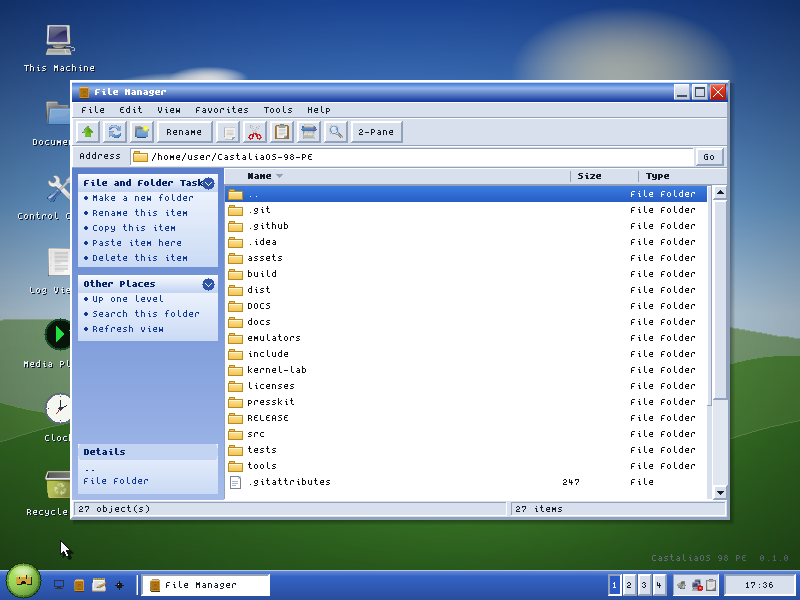
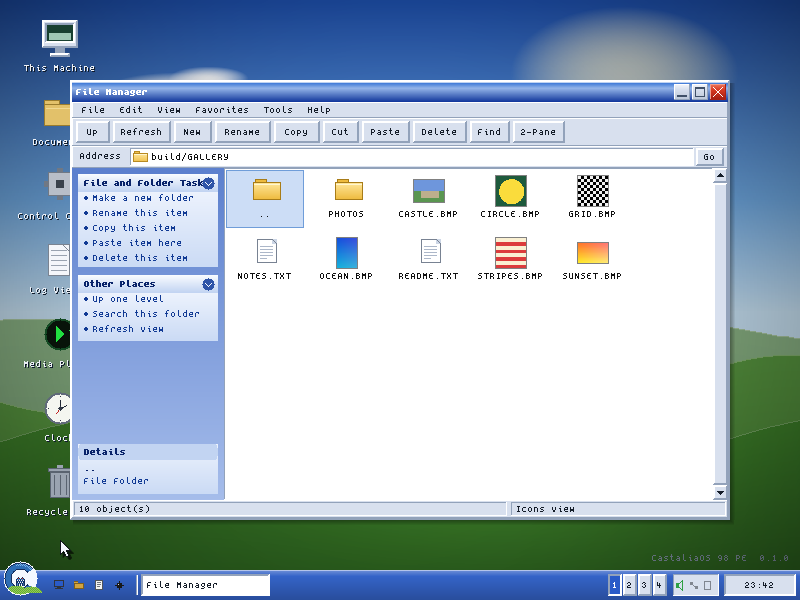
- shippedFile ManagerTask pane, address bar, three views with thumbnails, associations, drag and drop, find in files, a Recycle Bin with restore, archiving and Properties. Booted in QEMU.
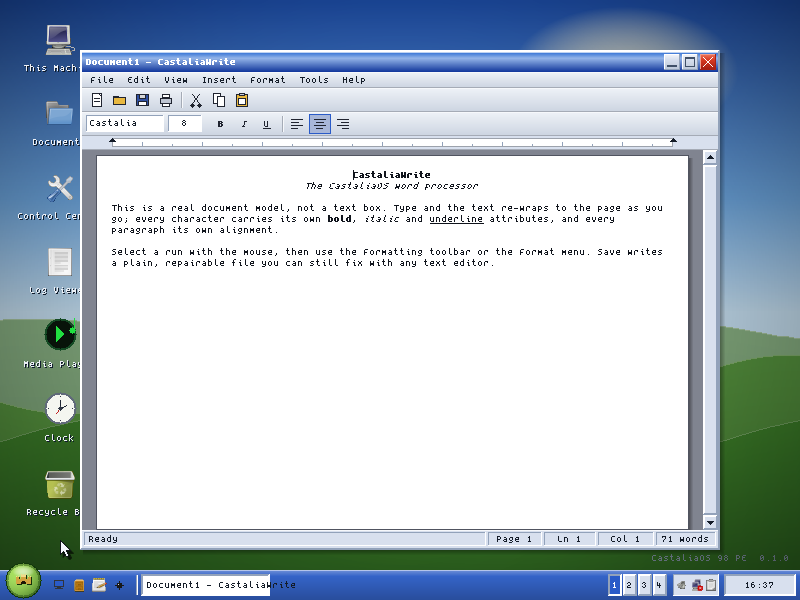
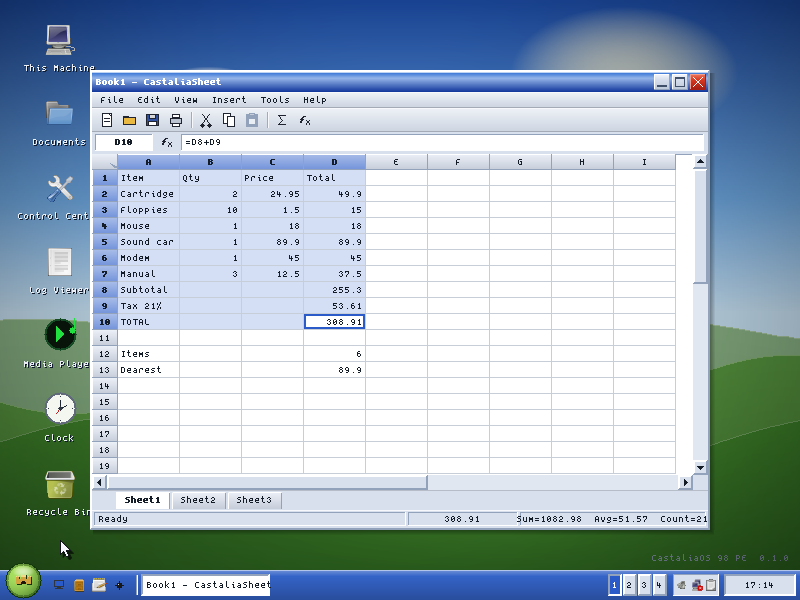
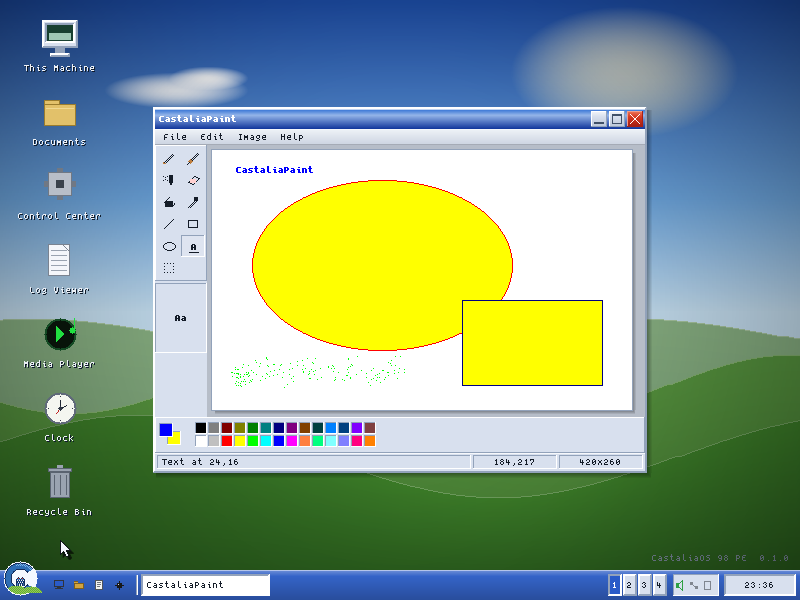
- shippedOfficeCastaliaWrite and CastaliaSheet with unit-tested engines and CSV; CastaliaPaint with eleven tools and BMP files.
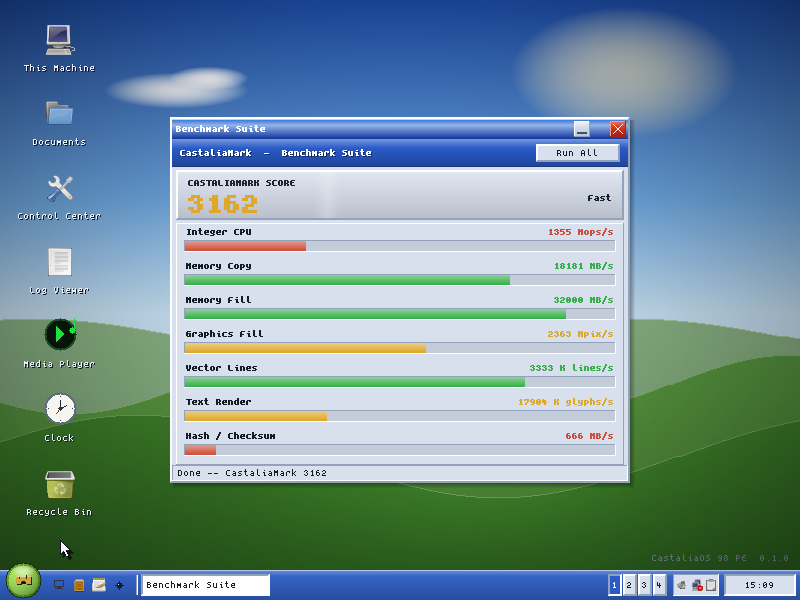
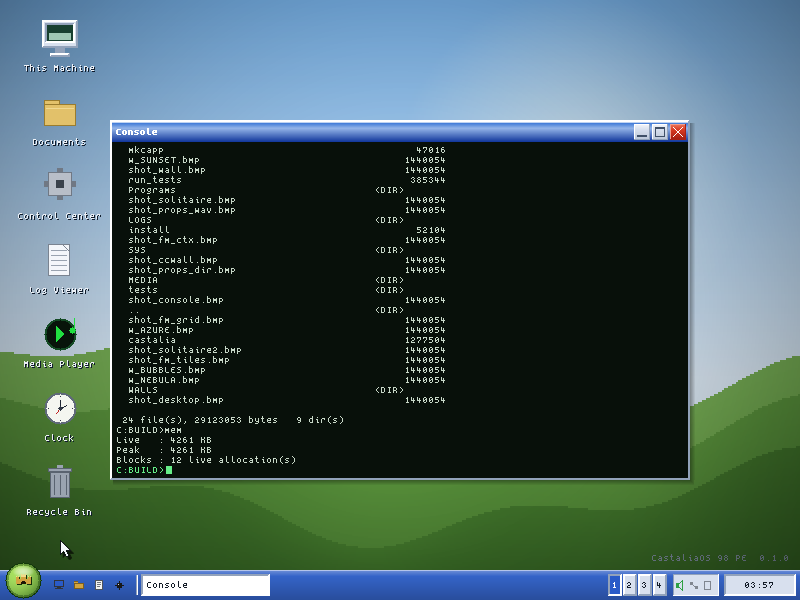
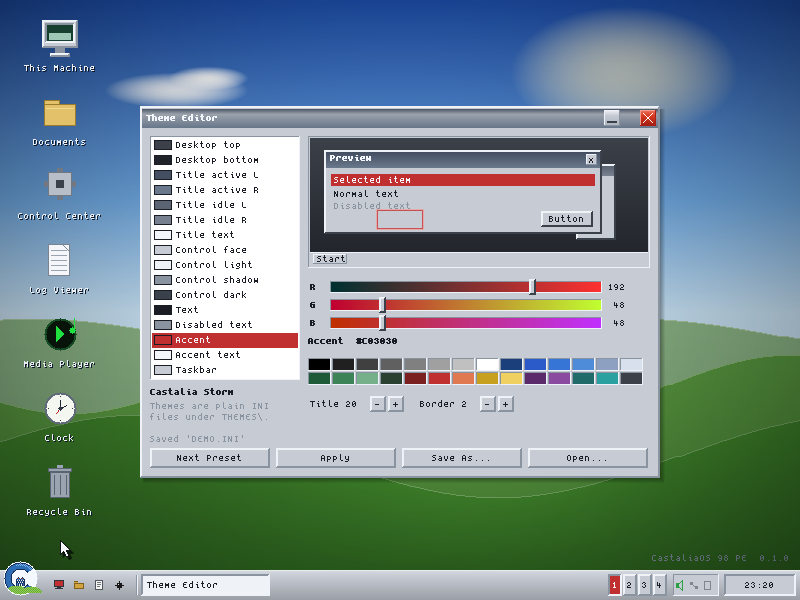
- shippedUtilitiesNotepad, Calculator, Task Manager, Log Viewer, Control Center, System Information, Disk Usage treemap, File Compare, Character Map, Console, Help, Theme Editor, Clock, Calendar and Agenda, Benchmark Suite.
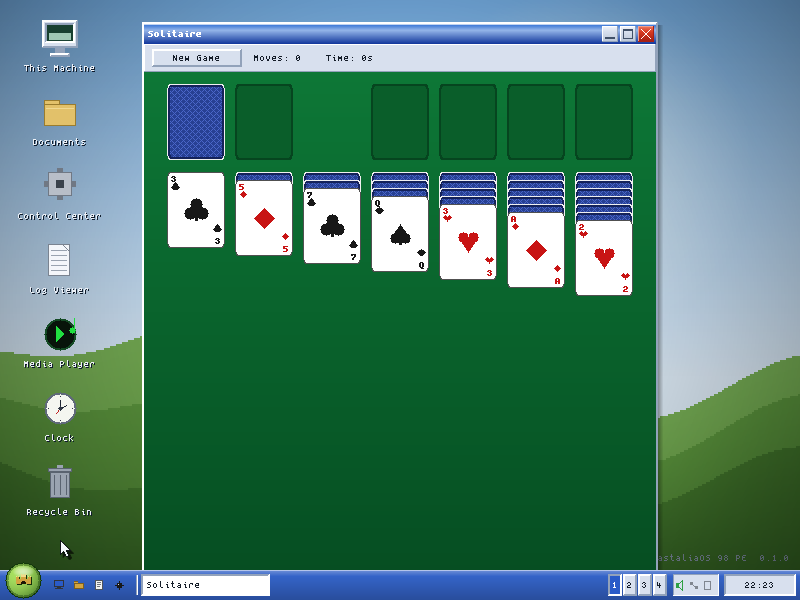
- shippedGamesMines, Solitaire with drag and drop and the win cascade, FreeCell.
- shippedTheming and extensionsClassic, Storm, Forest, High Contrast and Aurora presets with live recolour; a package format with validator, loader and SDK headers.
- partialSome controls are private to their appMultiline edit, tab strip, slider, status bar and group box are not yet shared toolkit widgets.
Hardware, media and network
- shippedBoot, install and recoveryCBOOT safe launcher, Safe Mode, a crash boundary, last-known-good config, INSTALL.EXE with install, uninstall, backup, repair and upgrade, a FreeDOS floppy builder.
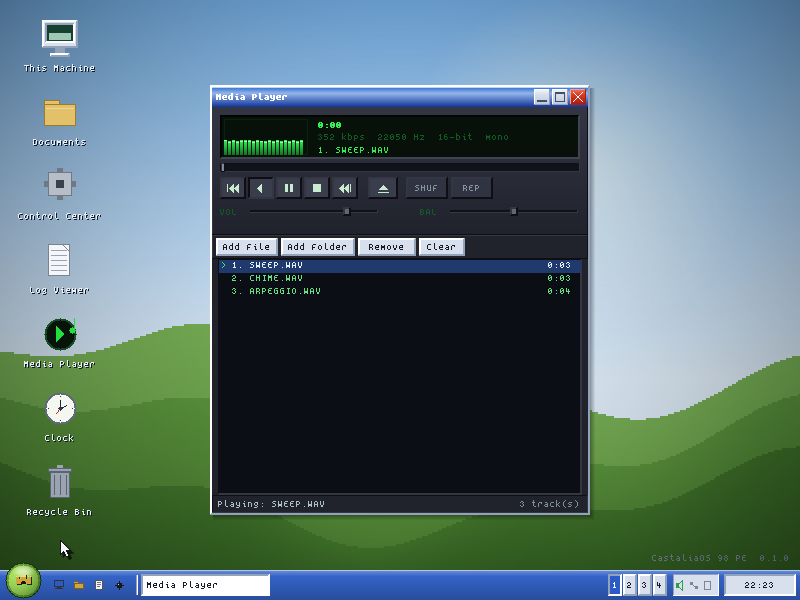
- shippedMedia PlayerSample-driven visualiser, equaliser and playlist, on the host build.
- partialSound on DOSSound Blaster tone cues over 8-bit DMA exist but are unvalidated; arbitrary PCM is not implemented, so the player is silent on DOS today.
- partialNetworkingA hand-written ARP, IPv4, ICMP and UDP stack with a ping window, proven on a simulated loopback. The DOS packet-driver client detects the driver and sends frames; receive, TCP and a downloader are planned.
- plannedReal hardwareThe QA matrix over PS/2, VESA modes, IDE, CD and audio is the plan, not a results table. First boot on the target IBM is the next milestone.
- plannedBootable CD or USB image, localisation, an add-on catalogueToday you bring your own FreeDOS and copy a folder.
- plannedGolden-image screenshot testsToday's screenshot check is a smoke test inspected by eye.
Screens
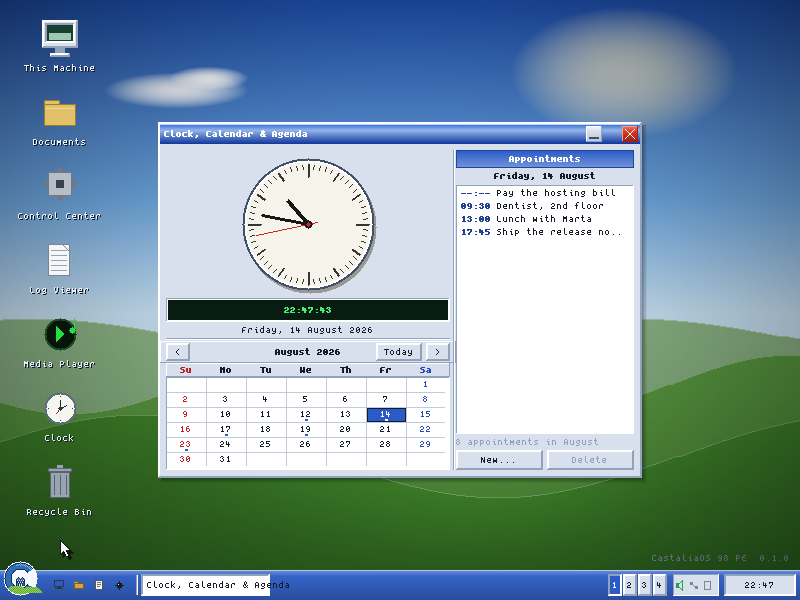
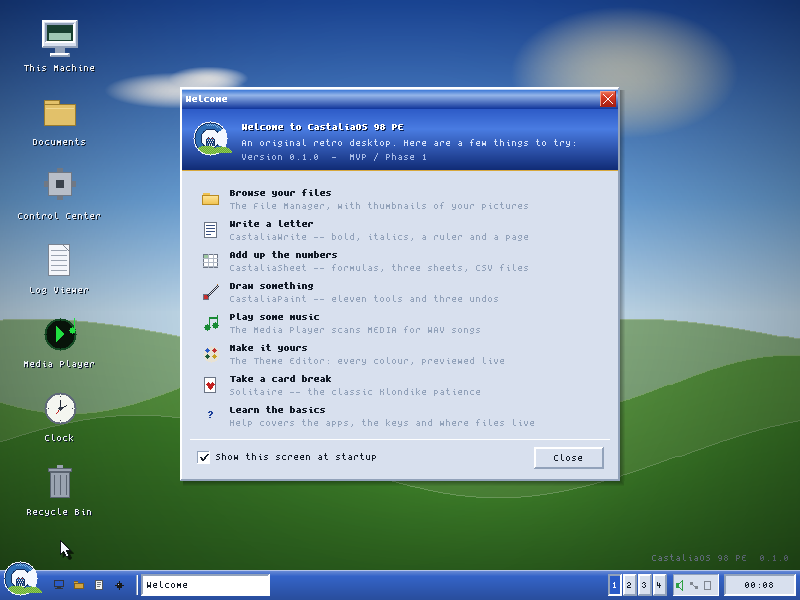
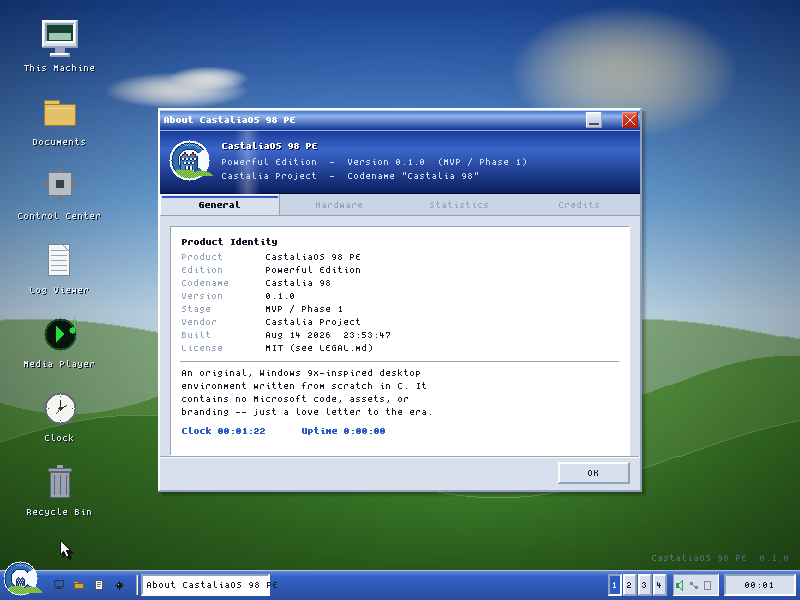
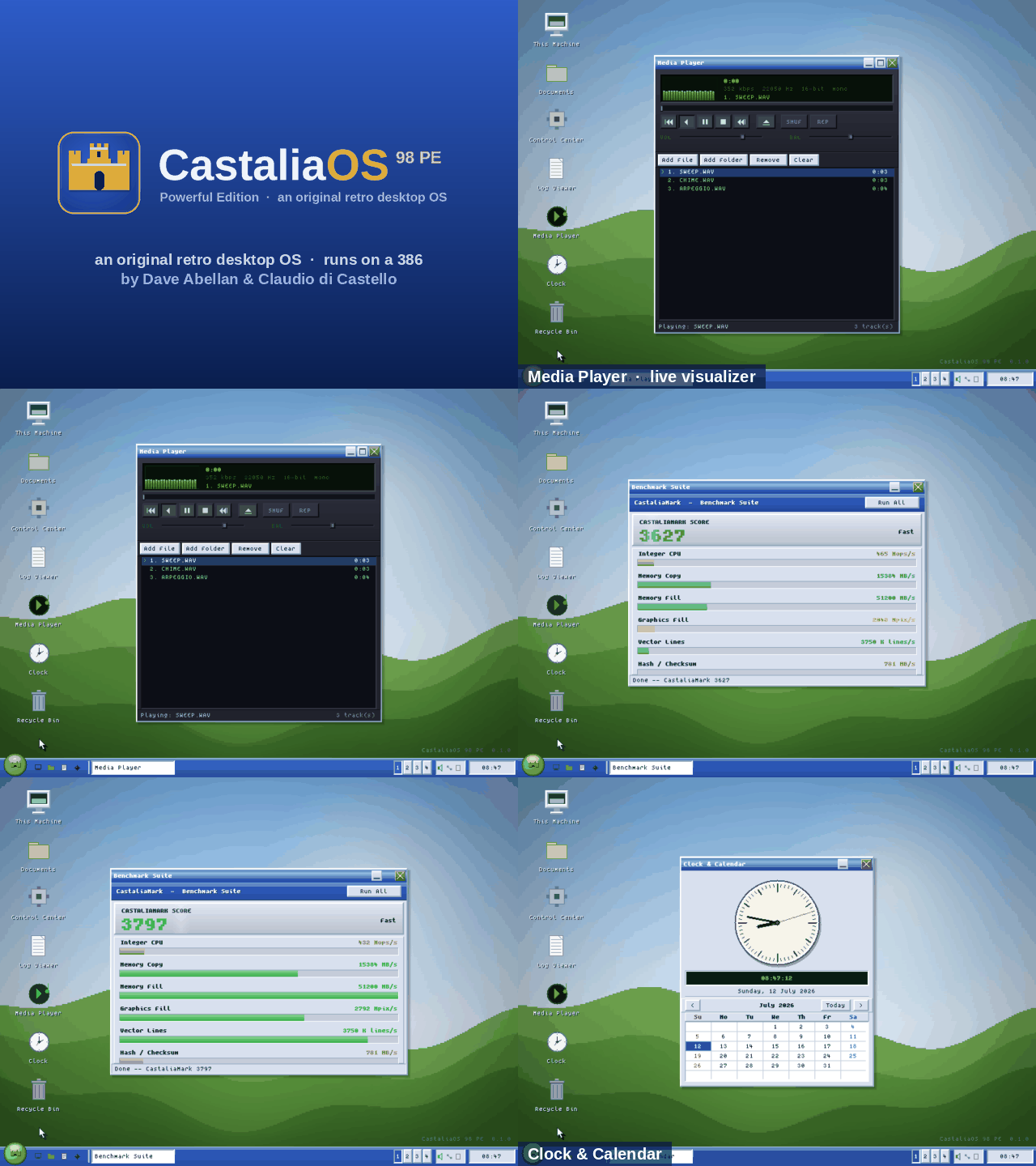
Aurora theme, 800×600, straight from the renderer
All screenshots come from the headless host backend, which draws the identical pixels the DOS build presents. Click one to open the viewer.

Download
v0.1.0-preview1
A public preview from 19 August 2026, the first phase of the project. The zip is the installable tree: the desktop, the safe launcher, the installer, the bundled DOS/4GW extender, boot templates and documentation. It runs as is; there is no toolchain to install.
The checksum is the digest GitHub computes for the asset. Release page: v0.1.0-preview1 on GitHub. Without DOS, ./build.sh builds the host version on Linux or macOS.
- Copy the
CASTALIA\folder to the root of a FreeDOS drive asC:\CASTALIA. - Run
BIN\INSTALL.EXE. It backs up CONFIG.SYS and AUTOEXEC.BAT and adds a boot block you can run twice without harm. Or merge the templates by hand. - Reboot, or start it now with
BIN\CBOOT.EXE. Add/safefor Safe Mode. - Optional: load
CTMOUSE.EXE /Pfirst for a pointer. The whole desktop is keyboard-navigable without one. - Recovery: press F5 or F8 at boot, then edit
SYS\CASTALIA.INI. The last known good configuration is kept for you.
Where it has run
QEMU, with FreeDOS and the CuteMouse driver, is the only machine that has booted it so far. A Bochs profile ships untested; DOSBox, 86Box and PCem have not been tried. The reference hardware is a Pentium II era IBM desktop that has not been switched on for it yet.
Roadmap
Getting off the emulator
Public preview
Shell, file manager, office apps, games, theming, installer and recovery; a full test harness on the host build; a DOS build that boots in QEMU.
Real hardware
Inventory the target machine (System Information writes a report on F2), first boot, then the QA matrix over PS/2, VESA modes, IDE, CD and audio.
Sound and network on DOS
DMA streaming for arbitrary PCM; the packet driver's receive path, then TCP and a downloader; a user guide.
Setup and beyond
A bootable CD or USB image with a friendly setup, an add-on catalogue, localisation, performance work for lower-end targets. Kernel research continues in its own lab.
CastaliaOS 98 PE (“Powerful Edition”) is an original retro computing project. It is not Microsoft Windows, Windows 98, Windows 98 Second Edition, MS-DOS or any Microsoft product, and it is not affiliated with, endorsed by or sponsored by Microsoft. “Windows”, “Windows 98” and related marks are the property of Microsoft Corporation and are used here only nominally, to describe the era and interaction style CastaliaOS is inspired by. It is not a Windows 98 clone and contains no Microsoft code, files, icons, sounds, fonts or branding.
Original code and artwork are MIT licensed, copyright 2026 Dave Abellan. Third-party parts, each with its licence in the bundle: DOS/4GW (DOS/4G, Rational Systems and Tenberry Software), bundled unmodified under a distribution licence held by Tombatossals Softworks LLC, so redistributors outside it must supply their own; the Tango Icon Library (public domain) as the default icon pack; the Spleen 5×8 font by Frederic Cambus (BSD-2-Clause) as the default text face.
Credit as: CastaliaOS 98 PE by Dave Abellan and Claudio di Castello (Tombatossals Softworks). Copyright or trademark concerns go to the issue tracker or [email protected].